CBZCBRImage folders
Mekuri
メクリ
Your comics, beautifully read.
Mekuri is a lightweight macOS app for reading local comics and manga. Open CBZ, CBR archives or image folders and enjoy a distraction-free reading experience.
macOS Comic Reader
How It Works
01
Open or Drop
Drag & drop a CBZ, CBR file or image folder onto Mekuri. That's it.
02
Read Your Way
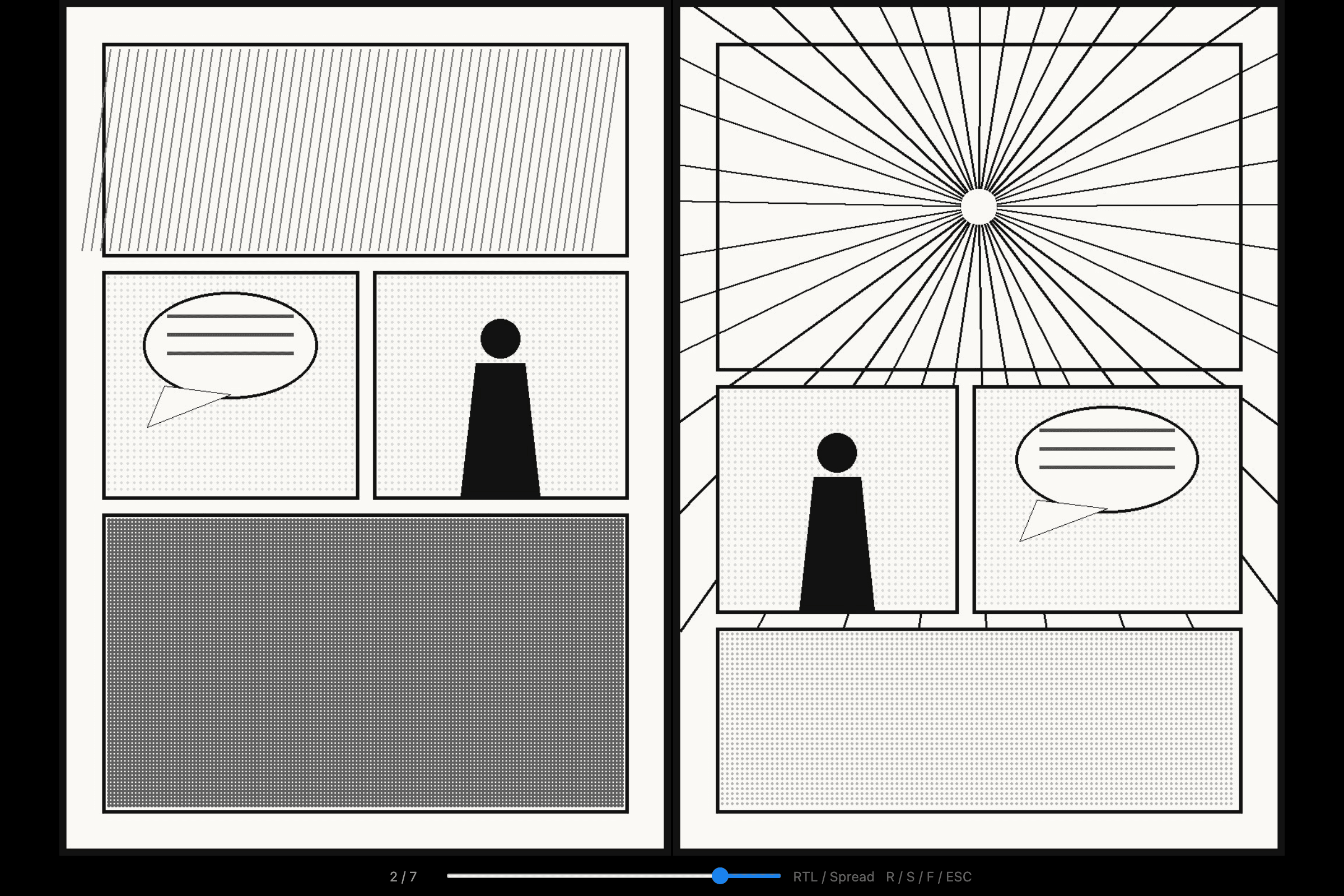
Single page, spread view, RTL or LTR — customize to match your reading style.
03
Navigate Freely
Arrow keys, click, trackpad swipe, or the page slider. Full keyboard control.
Features
- CBZ, CBR & Folders
- Open ZIP/CBZ archives, RAR/CBR archives, and image folders. All your local comics in one reader.
- Spread View
- Read in single or two-page spread mode. Landscape pages are automatically displayed full-width.
- RTL & LTR
- Switch between right-to-left and left-to-right reading direction. RTL is default for Japanese manga.
- Keyboard & Trackpad
- Navigate with arrow keys, click zones, or trackpad swipe. Press F for fullscreen.
- Privacy First
- All files stay on your Mac. No accounts, no servers, no tracking. Your library is yours alone.
- Lightweight
- Built with Tauri for minimal resource usage. Small download, fast startup, low memory footprint.
Start reading in seconds.
Download Mekuri, drop in your comics, and enjoy. Free and open source.
Download Mekuri